
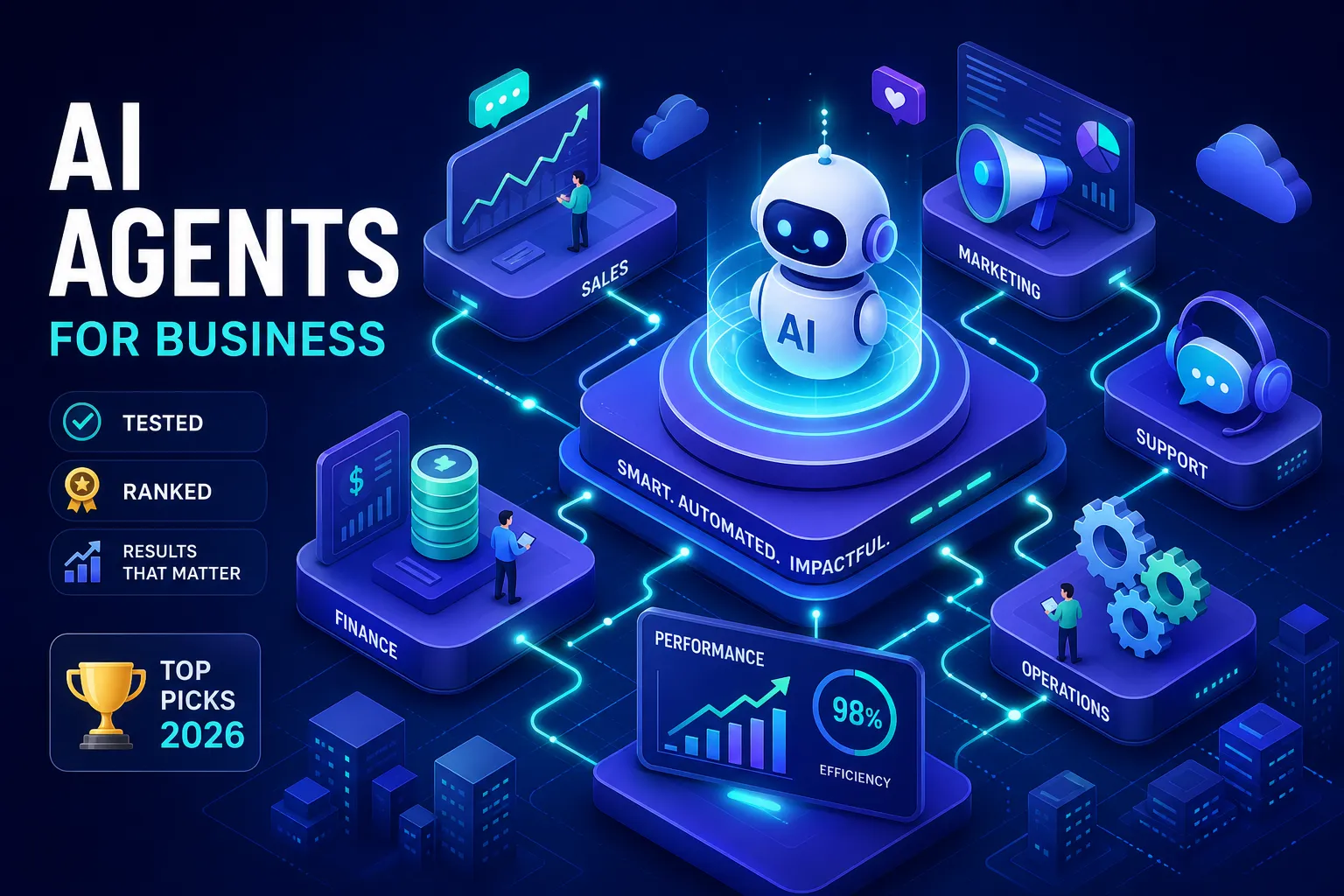
The AI agent market has grown fast, and AI agents for business are now being evaluated across departments for research, automation, and content production. New platforms launch every quarter, marketing pages promise "autonomous workflows," and every vendor claims their tool is built for business users. The reality is more complicated: some platforms are genuinely developer-focused — CrewAI and AWS Bedrock AgentCore, for example, assume a technical team standing by to wire up API keys, manage infrastructure, and debug broken sessions — while others target no-code business users directly. The split matters enormously depending on who will actually run your agents.
For the business owner who wants AI agents handling research, documents, or social media without touching a line of code, the options are harder to parse than they should be. That gap between "powerful on a demo" and "actually running in your business" is where most deployments stall. We used one standard when evaluating every platform on this list: does it work for a non-technical operator on day one, or does it require a technical co-founder to keep it alive?
Below: the use cases businesses are already deploying agents for, an honest comparison of leading platforms, and a framework for matching your situation to the right choice. For the deeper product architecture view, see our AI Agents for Business pillar. If your operators manage agents from phones between client calls, start with our best mobile AI agent platform comparison for 2026 — PWA install, file review, and alert delivery from iPhone or Android.
August 2026 note. Since this ranking’s last pass, CloudAxis put Auto Mode (GPT-5.6 Luna) on every plan — operators no longer pick a model just to get a scheduled specialist running. We also published a Sim workspace comparison for buyers comparing an agent OS desk to an open canvas. If you last read this in June, start at the comparison table and the Auto Mode note.
What businesses are actually doing with AI agents right now
The business case for agentic AI is no longer theoretical. Companies are reporting concrete, measurable results across three major categories of work.
Research, reporting, and competitive intelligence
Sales and ops teams are using autonomous agents to continuously monitor competitors, pull market data, summarize reports, and deliver scheduled briefings. For a practical setup guide, see how to automate competitor monitoring and watch them back. This isn't a future capability. Salesforce Einstein AI implementations have documented a 30% increase in lead conversion and a 20% reduction in sales cycle time after AI-assisted lead prioritization, figures drawn from published case studies on Salesforce's research hub. Agents running research on a cron schedule and surfacing findings without prompting are increasingly common at companies with lean operations teams, particularly in e-commerce and professional services.
Document creation and internal automation
Excel reports, Word documents, PDF generation, structured data entry — these are the unglamorous backbone of every business operation. A consumer packaged goods company featured in a BCG case study on generative AI reduced blog production costs by 95% and improved publishing speed by 50×, going from four weeks to a single day per post. The same logic applies to internal reports, proposal templates, and compliance documents. Any workflow where a human fills a structured document on a schedule is a strong candidate for agent-based automation. See our guide on AI document processing automation.
Social media, content, and customer-facing workflows
AI workflow automation tools handling content production and publishing are delivering some of the clearest ROI numbers on record. A Google-documented personalized ad campaign achieved an 80% improvement in click-through rates, 97% lower costs, and a $17 million revenue lift within 60 days, details available in Google's published AI advertising case studies. These results require agents that can actually log into platforms, post content, and interact with live websites rather than just generate text in a chat window.
The setup problem most AI agent platforms quietly ignore
Most platforms that call themselves "no-code" are not fully no-code in practice. Understanding where they draw the line is essential before you commit to one.
Why API keys and coding requirements kill adoption
The reality of most "no-code" agent builders is that you still connect your own AI model via API key, wire up integrations manually, and sometimes maintain scripts when things break. Enterprise-oriented platforms like Copilot Studio and Agentforce are even more demanding: they assume a dedicated IT team and an existing Microsoft or Salesforce stack. Non-technical founders hit these configuration walls quickly, and deployments stall before a single agent runs in production. The complexity gap between enterprise platforms and what a solo operator actually needs is wider than most vendor websites acknowledge — compare the multi-day IT onboarding required for Copilot Studio against the template-driven setup offered by tools like Lindy or Dust.
The session memory problem: agents that forget everything
Many agent platforms lose all context when a session ends. Files disappear, browser state resets, and the agent has no memory of what it did the day before. Platforms like Dust and Vybe advertise persistent memory and company knowledge bases, but session-focused tools remain common in the market. An agent that resets after every run can't manage multi-day workflows, can't log back into a platform it visited yesterday, and can't build compounding knowledge over time. This persistent memory gap is what separates genuinely useful business AI agents from sophisticated chatbots that happen to run on a schedule. Persistent memory is generally a hard requirement for reliable multi-day workflows — verify it explicitly with any vendor you evaluate. Read more in why persistent workspace beats copy-paste.
How to choose AI agents for business: platform comparison 2026
The platforms most relevant to business buyers fall into two clear groups: enterprise suites built for large IT-managed deployments and lighter tools aimed at smaller teams. Neither group is perfect for every situation. For a broader architectural view, see Agent OS vs workflow builders.
Features, pricing, and who each platform is actually built for
Copilot Studio is the strongest option for organizations already deep in the Microsoft 365 ecosystem. Agentforce is purpose-built for Salesforce-native sales and service workflows. Lindy and Dust serve smaller no-code deployments well, with templates and fast setup for individual contributors and small teams.
Relevance AI is among the more explicit about enterprise governance among SMB-accessible platforms, offering SOC 2 Type II, RBAC, audit logs, PII masking, and data residency options — making it a reliable choice for compliance-minded teams. Pricing ranges from roughly $19–$50 per month for SMB tiers up to custom enterprise quotes, with usage-based models that can scale quickly at volume.
| Platform | Best for | Setup barrier | Persistent runtime |
|---|---|---|---|
| CloudAxis | Non-technical ops, research, docs, social | Low — no API keys, hosted models | Yes — persistent cloud desktop per account |
| Copilot Studio | Microsoft 365 enterprises | High — IT onboarding | Varies — tied to M365 stack |
| Agentforce | Salesforce CRM workflows | High — Salesforce admin | CRM-scoped |
| Lindy / Dust | Small teams, fast templates | Medium | Partial — verify per workflow |
| Relevance AI | Compliance-conscious SMBs | Medium | Knowledge-base focused |
| CrewAI / Bedrock | Developer-built custom systems | Very high — engineering team | You build it |
Deep dives: platform comparisons
For buyers comparing specific AI agent platforms at the OS level, see our honest head-to-head guides:
- CloudAxis vs Beam AI: Agent OS vs Managed Agent Point Tool
- CloudAxis vs LangChain: Managed Agent OS vs Developer Library
- CloudAxis vs CrewAI: Managed Platform vs Framework
- CloudAxis vs Manus AI: Agent OS Compared
- CloudAxis vs Relevance AI: Agent OS Compared
- CloudAxis vs Lindy AI: Agent OS Compared
- CloudAxis vs Dify: LLM App Builder vs Agent OS
Integration depth: CRM, Slack, and the tools your team already uses
Integration breadth varies significantly across AI agent platforms. Zapier connects thousands of apps through its platform, but adds a layer of configuration complexity between your agent and the tools it needs to reach. Some platforms advertise hundreds of native connectors including Salesforce, HubSpot, Slack, Google Sheets, and Notion. One practical gap worth noting: some platforms require Zapier bridges for basic connections like Google Sheets rather than offering a true native integration. Agents are only as useful as the systems they can reach, so integration depth should be a primary selection criterion, not an afterthought. CloudAxis covers Gmail, Outlook, Slack, WhatsApp, Google Sheets, Notion, Shopify, GitHub, and more — see connecting accounts to an Agent OS.
The governance and security checklist for business deployments
Compliance-conscious buyers need a specific set of controls: SOC 2 certification, role-based access control, audit logs, data residency options, PII masking, and a clear zero-training-on-your-data policy. Relevance AI's data security policy is explicit on this front among SMB-accessible platforms. Developer-oriented frameworks like AutoGen leave security implementation entirely to the deploying team — a significant overhead for non-technical operators. If your business handles sensitive customer data, verify these controls before signing a contract.
Why non-technical teams keep landing on CloudAxis
CloudAxis is built around a specific premise: AI agents need a real, persistent computer to do real work. Every feature on the platform follows from that principle.
A persistent desktop that keeps working after you log off
Your account gets one isolated cloud computer — a persistent cloud desktop private to you, where all your specialist agents collaborate in a shared workspace. Files stay in place, browser sessions remain active, and agents retain full context between runs. An agent you configure on Monday is building on that work by Friday. You open the desktop when you want to review outputs — not to babysit live execution. This architecture directly addresses the session memory problem described earlier. Read more in our isolated cloud computer pillar and AI Agents for Business guide.
Cloudia: deploying agents without a single line of code
Cloudia is CloudAxis's no-code agent builder. There are no API keys to configure, no infrastructure to manage, and hosted models are included — no separate model subscriptions required. Built-in skills cover Excel, Word, and PDF creation, AI image and video generation, and social media posting across 13+ platforms including Instagram, Facebook, X, and LinkedIn. A real cloud browser with automatic VPN routing lets agents log into live websites, fill forms, and navigate dynamic pages. For non-technical operators, the capabilities that would take weeks to configure elsewhere are designed to deploy in hours. For teams focused on marketing workflows, see our guide on how to build an AI marketing agency with autonomous agents.
Managing multiple agents from one visual workspace
The CloudAxis Team Task Board is a JIRA-style visual interface for businesses running more than one agent. You assign tasks, set schedules, edit agent behavior, and track multi-agent pipelines without writing configuration files or involving a developer. Native integrations cover Gmail, Outlook, Slack, WhatsApp, Google Sheets, Notion, Shopify, and GitHub, so agents connect directly to the systems your business already runs on. For small teams that want enterprise-grade orchestration without enterprise-grade overhead, this is the operational layer that makes it practical.
How to match your business to the right AI agent platform
The right platform depends on your team's technical capacity and the primary work you need agents to handle.
Choosing by team size and technical capacity
Large enterprises with dedicated IT teams and deep Microsoft or Salesforce investments should evaluate Copilot Studio and Agentforce first. Mid-market teams with compliance requirements should take a close look at Relevance AI. Small businesses, solopreneurs, and non-technical operators who want agents running without ongoing maintenance should evaluate CloudAxis — the setup barrier is low, built-in skills cover a wide range of everyday business tasks out of the box, and the persistent desktop architecture is designed to keep agents working without constant restarts.
Lean teams that land on CloudAxis often skip the endless platform bake-off and deploy a fixed sequence instead:
Research first to map competitors and pricing, Monitoring second on a weekday morning duty that reads the
Research agent's CSV at ~/files/, Content third drafting from whatever changed that week. The
full 48-hour stack — about 6.5 hours of active setup across two evenings — is walkthrough in our
guide to the three-agent stack for a new business in 2026.
That order matters more than the vendor logo on the login screen: a Content agent deployed before Research
exists just publishes into an empty market.
Choosing by primary use case
Here's a practical starting point for each scenario:
- Research and reporting automation: CloudAxis, Lindy, Dust
- CRM-integrated sales workflows: Agentforce, Copilot Studio
- Social media and content production: CloudAxis (built-in posting to 13+ platforms with persistent session management; track answer-engine visibility with our AI citation visibility checker)
- Document automation (Excel, Word, PDF): CloudAxis (native file skills within the agent's persistent workspace)
- Developer-built custom agent systems: CrewAI, AWS Bedrock AgentCore
If you're unsure, ask one question: does your primary workflow require an agent that remembers yesterday's work and can log into live platforms without a reset? If yes, persistent desktop architecture is a hard requirement, not just a preference.
The best AI agents for business are the ones your team will actually use
For business owners who want agents handling research, documents, and social media without a technical co-founder, the gap between "powerful" and "accessible" carries more practical weight than raw feature counts. A platform with thousands of integrations that requires a developer to deploy doesn't help anyone on a lean team. Choosing the right AI agents for business means matching capability to the operator who will actually run them, not the most impressive spec sheet.
CloudAxis offers a free tier; explore our Free AI Agent Tools to test the architecture before committing to anything. The persistent desktop, no-code builder, and built-in skills are available from day one — no API keys, no infrastructure decisions standing between you and a working deployment.
If you want to test the approach rather than just read about it, a free CloudAxis account gets your first agent running this week. Pick one repeatable task your team handles manually — a weekly report, a daily social post, or a recurring document workflow — and hand it to an agent built to keep running it months from now.
FAQ
What's the difference between this post and your AI Agents for Business pillar? This guide compares platforms for buyers evaluating options. The pillar explains how CloudAxis delivers reliable business automation architecturally.
Do I need coding skills for CloudAxis? No — Cloudia is no-code, hosted models are included, and agents use a real browser and native integrations.
Is each agent on its own computer? No — your account gets one isolated cloud computer. Multiple specialist agents collaborate in the same persistent workspace.
Enterprise vs SMB? If you have Salesforce or Microsoft 365 at scale, start with Agentforce or Copilot Studio. If you're a lean team shipping real work this month, start with a persistent desktop OS.
Related reading
- AI Agents for Business (pillar)
- What is an AI cloud computer on autopilot?
- How to Get Started with AI Agents (beginner guide)
- AI Agents for Sales
- What Is Agentic AI?
- Persistent Cloud Desktop How-To
- AI Marketing Agency Use Case
- No-Code Agent Builder (Cloudia)
- Agent OS vs Workflow Builders
- Agent Workflow Planner
Try CloudAxis free
Persistent cloud desktop, no-code builder, real browser, and 24/7 scheduling — start with one repeatable task.
Put my work on autopilot →No credit card required.